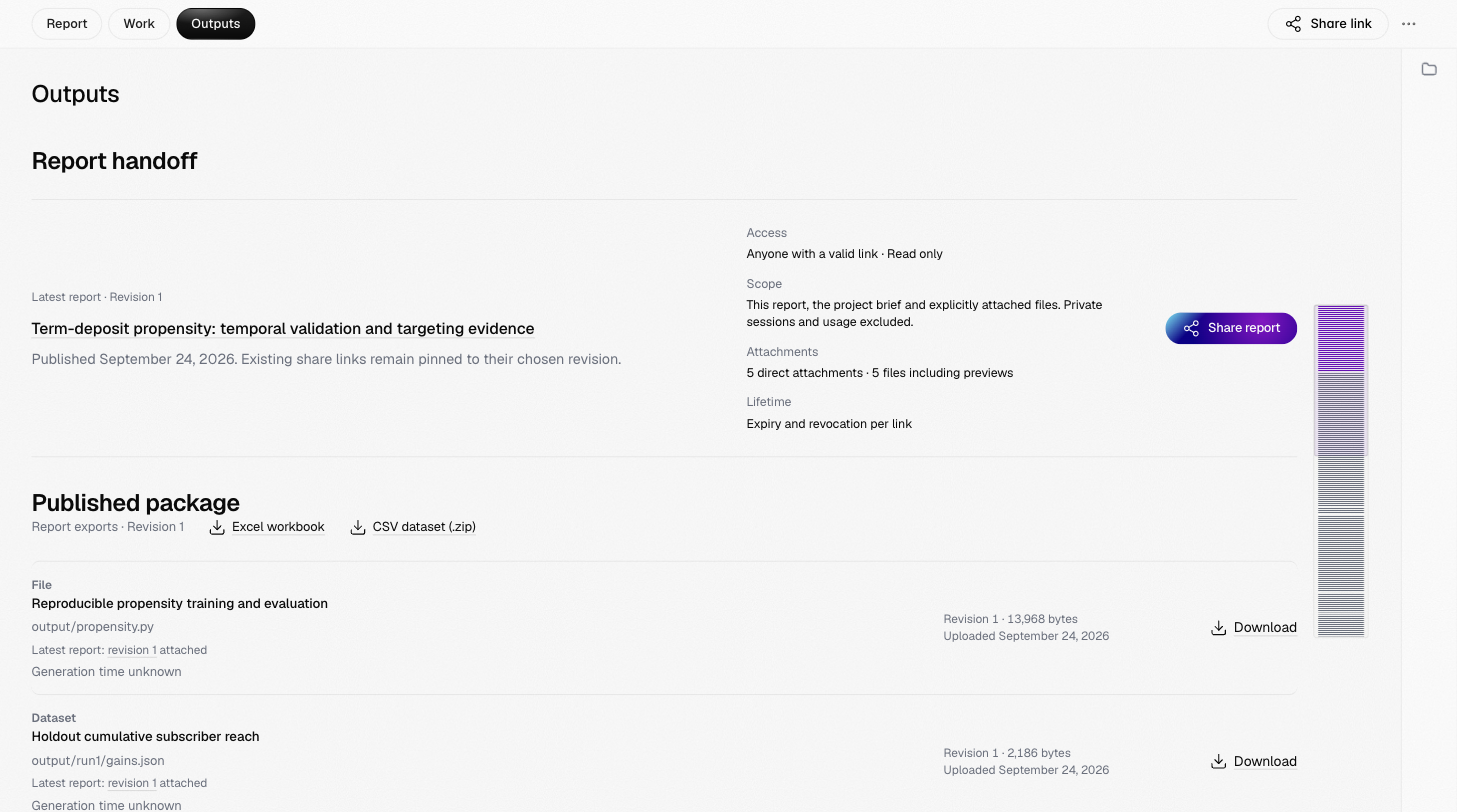
Outputs gathers what a project delivers.
The Outputs view: Report handoff with the latest report and its access, scope, attachments and lifetime, and the Published package with its export links and the first attached files

The Outputs view

  • Report handoff: the latest report, what a share link to it includes, and the Share report button.
  • Published package: exports of the report as an Excel workbook or a CSV dataset, and every attached file with its revision, size and a download link.
  • Presentation previews appear when the agent authored a presentation, with a link to the Deck tab.
  • Trained models lists models the terminal registered for the project, with their metrics and the evidence each metric cites; each opens in the Models tab.
  • Published reports lists every report in the project.

Deck

After each report, Aius makes a deck from it: a short presentation of the same findings. The Deck tab shows it slide by slide. Present opens it full size, and PowerPoint downloads it as an editable .pptx file. When several reports have a deck, choose one from Decks. With no deck yet, ask Aius to make one from the report.

Models

When Aius trains a model on your data, such as a churn classifier, it registers it with the metrics it was checked on. The Models tab lists them; each opens its record with the metrics, the evidence they cite, its charts and its notebook. AIUS Light keeps the record; it never runs a model.