

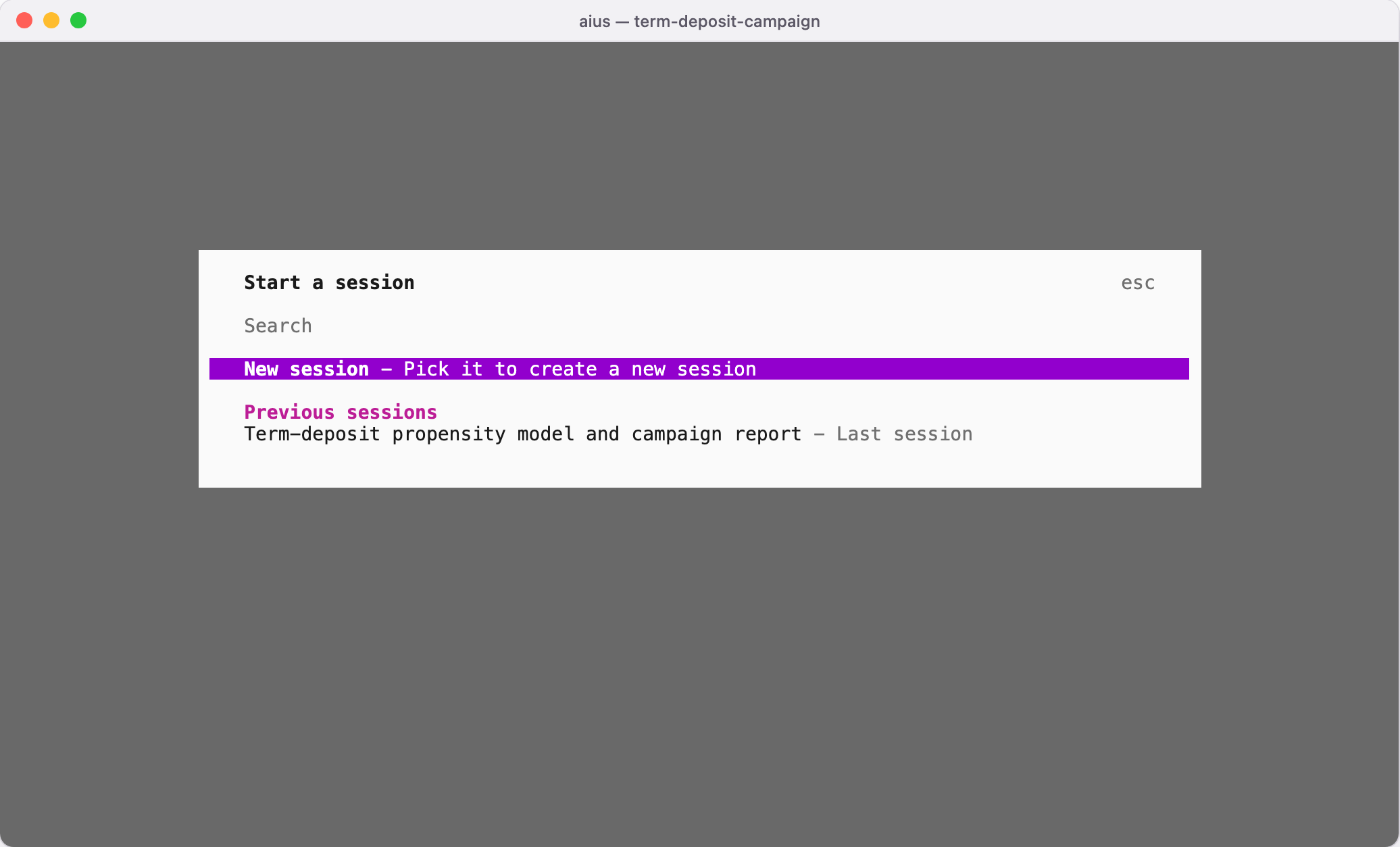
Starting the TUI in a folder with earlier work
~/.local/share/aius appear here too, in the folder they were
started in (Folders and projects).
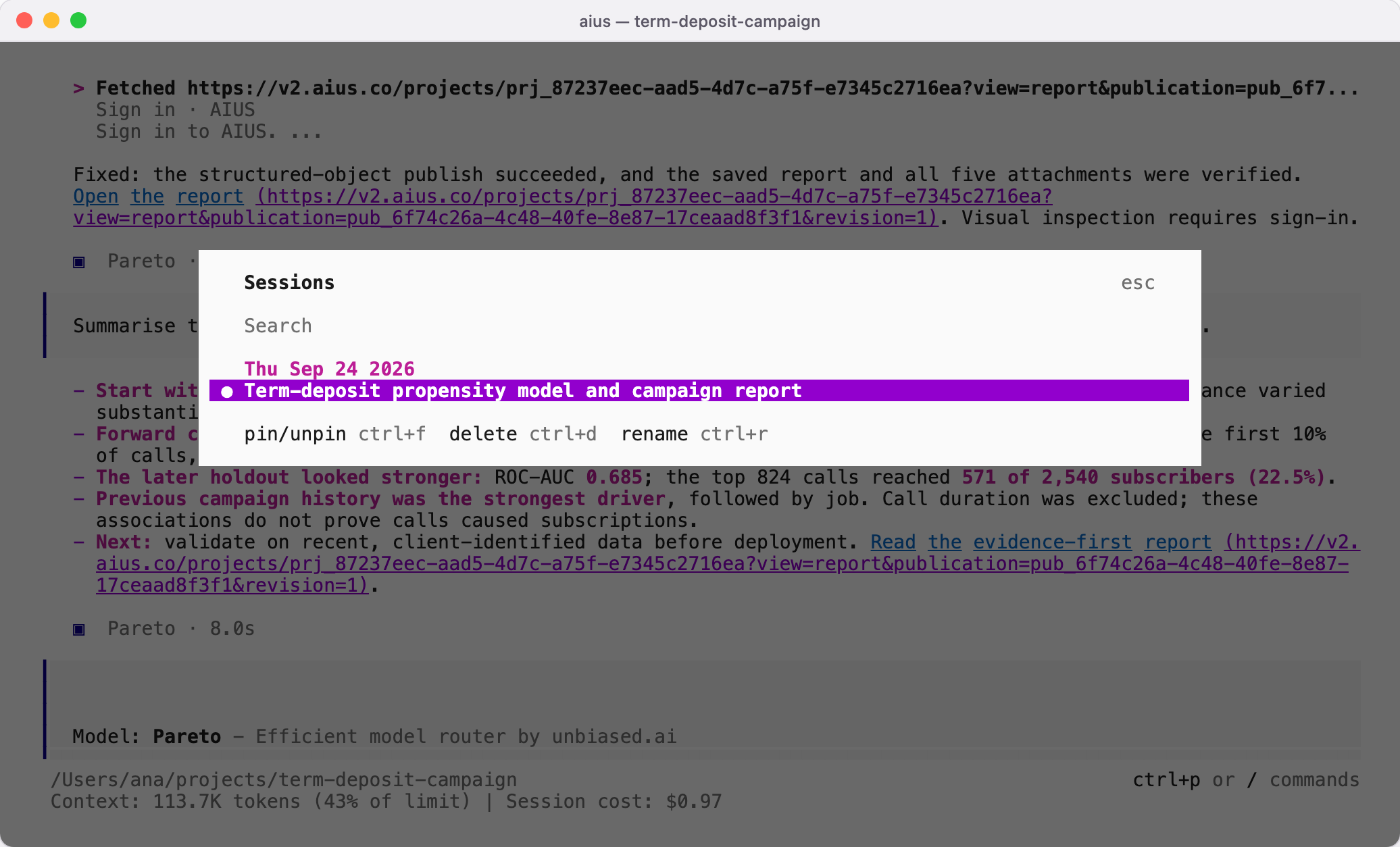
Type /sessions to see the sessions for this folder, newest first. Search by
title, open one to continue it, or use the shortcuts shown at the bottom of the
list to pin, rename, archive or delete a session. Archiving (ctrl+s) hides a
session from the list without losing it; ctrl+o shows archived sessions, so
you can open or unarchive one. Archiving here archives the conversation in AIUS
Light too, and the other way round.
The session list
Sessions stay private. In a folder linked to a project, AIUS Light keeps them
as your conversations in that project, visible only to you
(Your computers). The agent
publishes a session for others only if you ask it to and approve the publication.
Useful commands in a session
Type/ to list every command. The ones you will use most:
Esc interrupts the agent while it works; Ctrl+P
opens the command palette. Click a web address in a reply, such as the link to
a published report, to open it in your browser.
Aius starts in dark mode. To change it, press Ctrl+P and
choose Switch to light mode; the TUI remembers your choice. The screenshots in
these docs use light mode.